
Know What Happens When Money Moves

NumanCap keeps deposits and withdrawals easier to follow, with the funding route, payment information, account checks, and request status clear before and after you confirm.
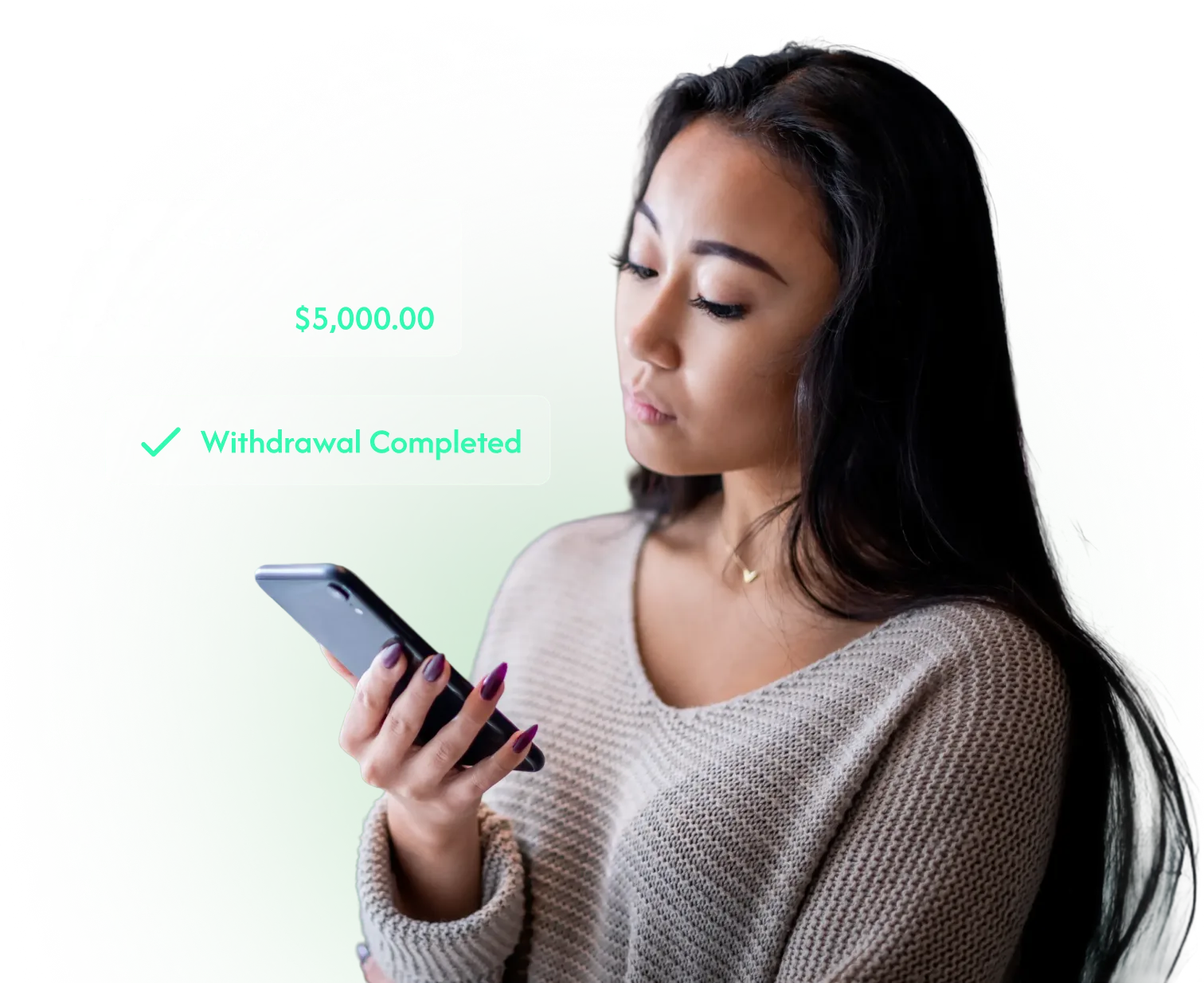
Woman checking a completed NumanCap withdrawal on her smartphone

See Funding Methods With NumanCap

Your account shows the funding options available, along with the current processing information and requirements attached to each method.

Visa and Mastercard payment cards

Credit & Debit Cards

Review availability, current processing information, and any account requirements before choosing this funding route.
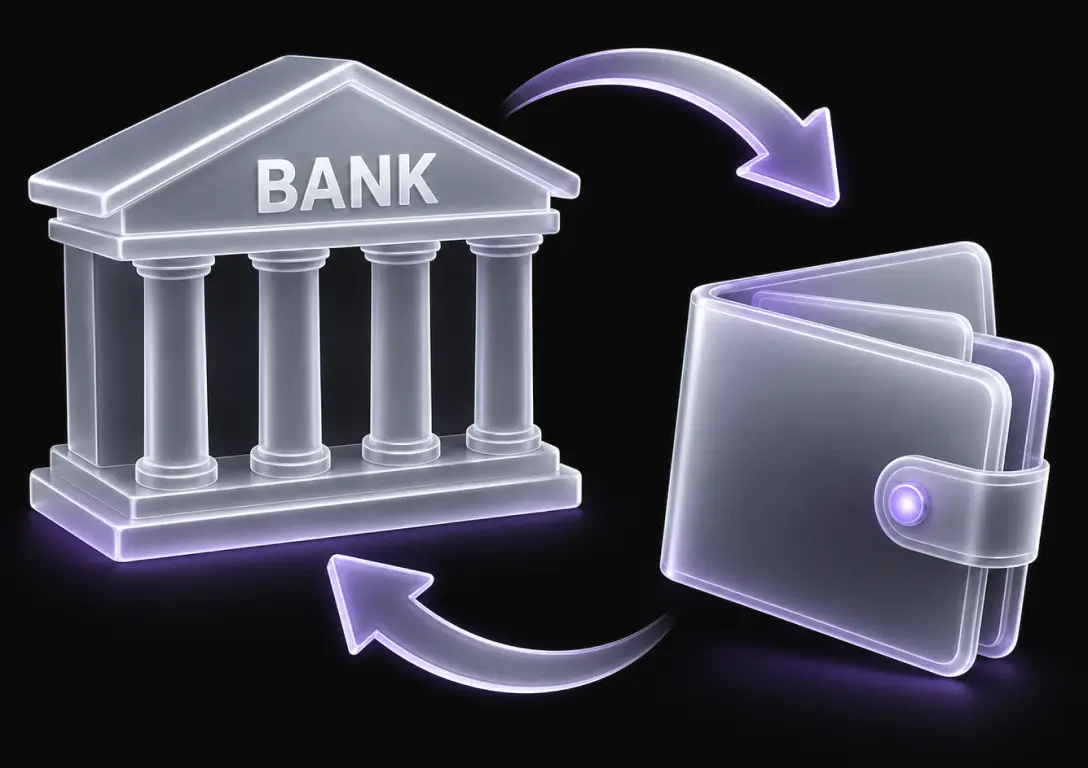
Bank transfer between a bank account and digital wallet

EFT / Bank Transfer

Check the account requirements and current processing details attached to this method before you confirm a deposit.

Bitcoin, Tether and Ethereum cryptocurrency payment options

Cryptocurrency Payment

See the current availability and transfer information shown for this option before you use it to fund the account.

A Deposit Has a Clear Review Point

Before you send money, the useful details are the funding method, amount, account information, and any requirements attached to the payment.
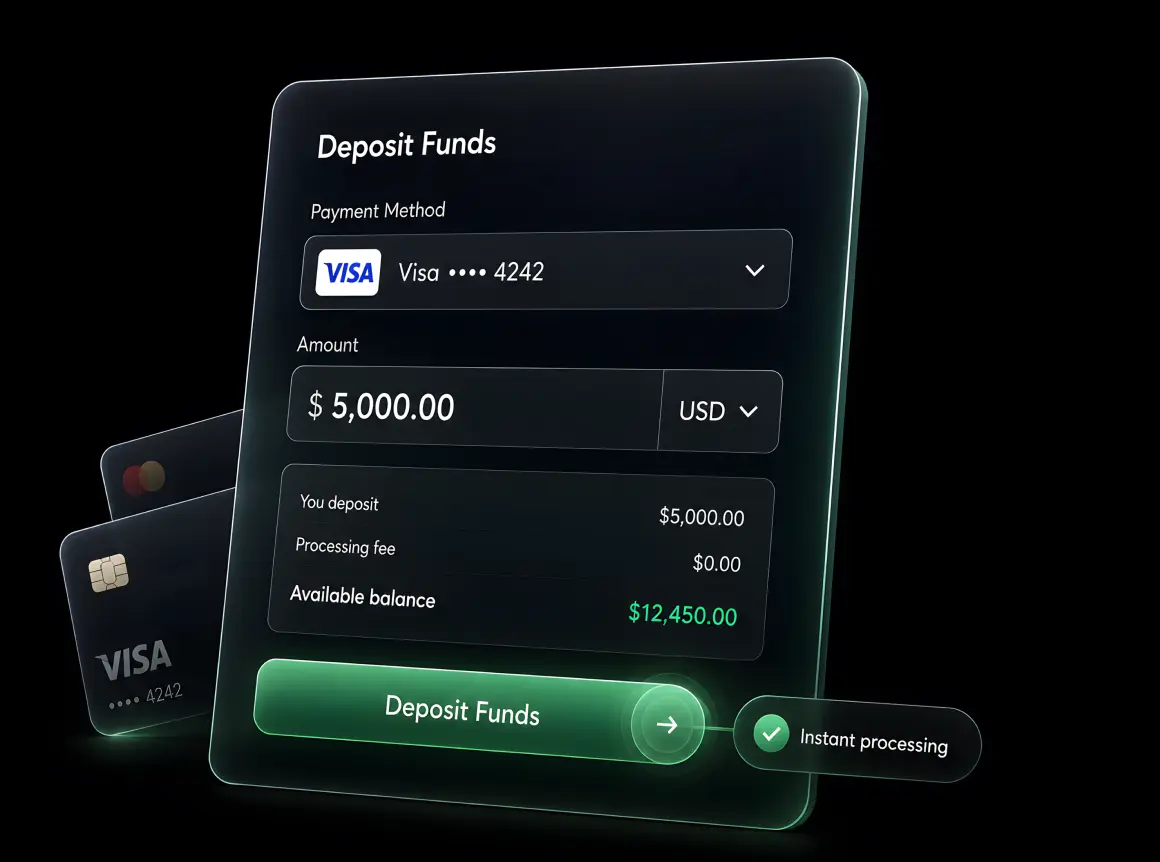
NumanCap deposit funds interface with Visa payment and instant processing

Choose an Available Funding Route

Select one of the deposit methods shown for your account and review its current processing information.

Enter the Payment Details

Add the amount and any required funding information, then check the account details attached to the deposit.

Confirm the Request

Review the amount, funding route, and account information before submitting the deposit for processing.

Choose the Withdrawal Route

Select an available withdrawal option, enter the amount, and check the destination information before submitting.

Complete Any Account Checks

Follow the verification steps shown for the request so the withdrawal can continue through the account process.

Follow the Request Status

Use your account activity to review progress and contact official support if a status or requirement needs clarification.

Withdrawals Have Their Own Checks

A NumanCap withdrawal can involve destination details, account verification, and processing steps that are separate from the original deposit.
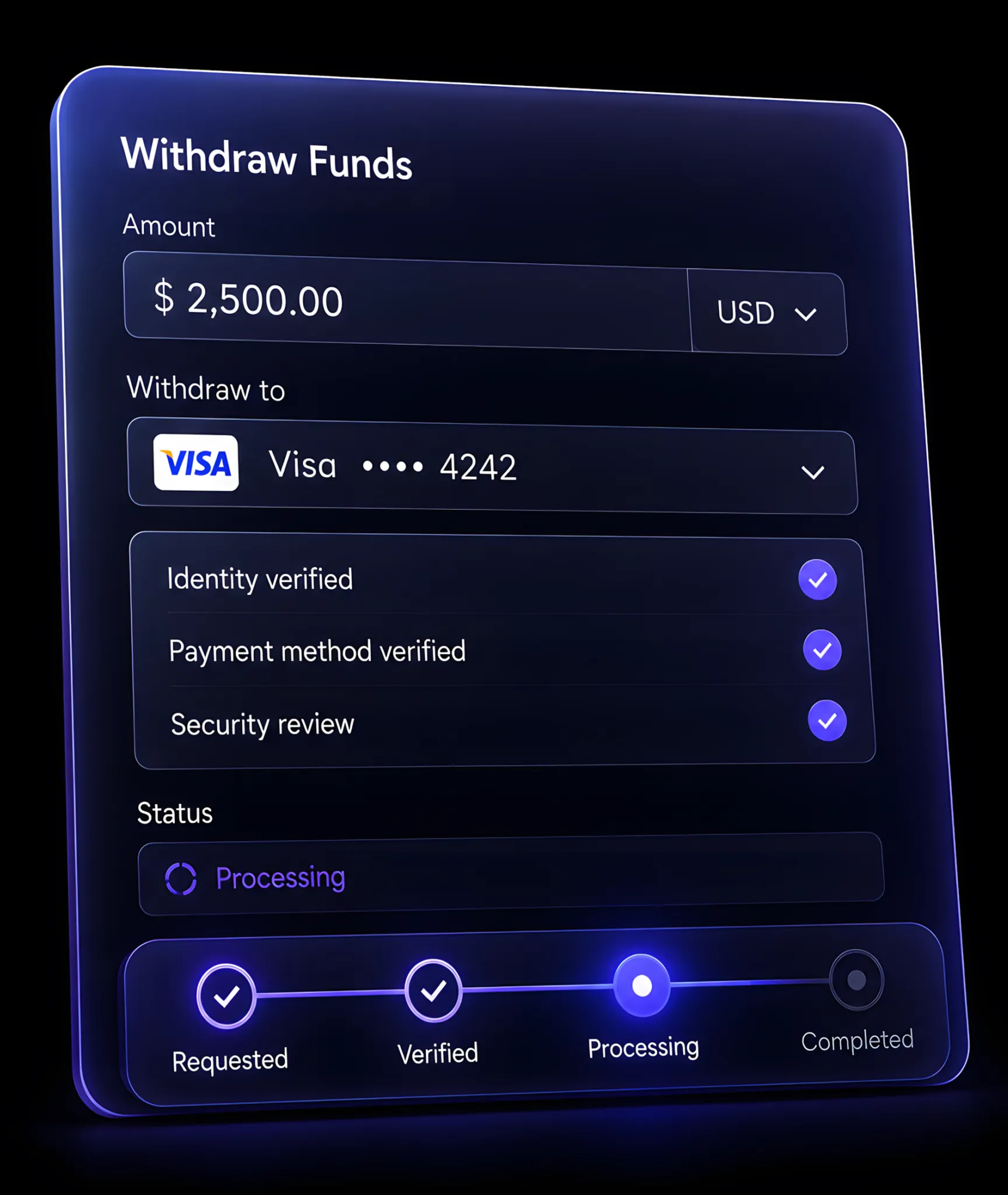
withdrawal process

Deposits and Withdrawals FAQs

Clear answers on NumanCap deposits and withdrawals, available payment methods, processing times, withdrawal requests, and account checks.
How do I deposit money into my trading account?
Choose one of the NumanCap funding methods available to your account, enter the amount, and review the payment details before confirming. Any current processing information or account requirements should be shown with the method. Once submitted, use your account activity to follow the deposit status.
The funding methods available depend on the options supported for your account, so use the current funding screen for the confirmed choices. Review the processing information and account requirements attached to each method before sending money. If a preferred option isn’t shown, contact official support for the available alternatives.
Deposit timing can depend on the funding method, payment processing, and any account checks attached to the request. Review the current processing information shown for the method before confirming. If a deposit takes longer than expected, check the account status first and use official support if you need clarification.
The withdrawal moves through the processing and verification steps attached to your account and chosen method. Review the destination details before submitting, then follow the request through account activity. If the status changes or further information is needed, use the official support route for clarification.
Withdrawal timing can vary with the payment route, account verification, processing requirements, and any checks attached to the request. Review the current information before submitting. If a withdrawal is already in progress, use the account status and official support channels to understand what stage the request has reached.