

Get Comfortable Before Real Money Is Involved

If you’re learning how to start trading, begin with the account, the platform, and the market view before real money enters the picture.

Two users reviewing NumanCap market activity on a laptop

How to Start Trading With NumanCap

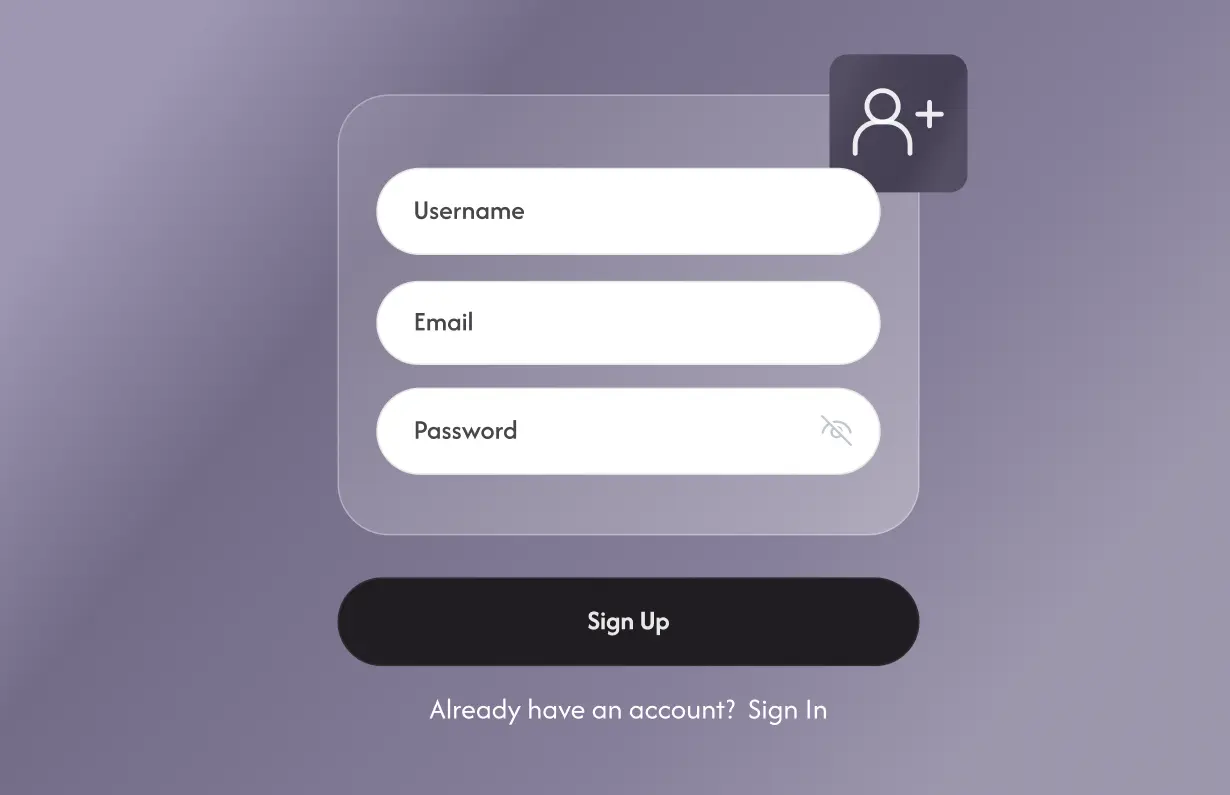
NumanCap account registration form with username, email and password fields

Learn With Simulated Funds

Use the free demo account to explore the platform, charts, and order process before a live position enters the picture.
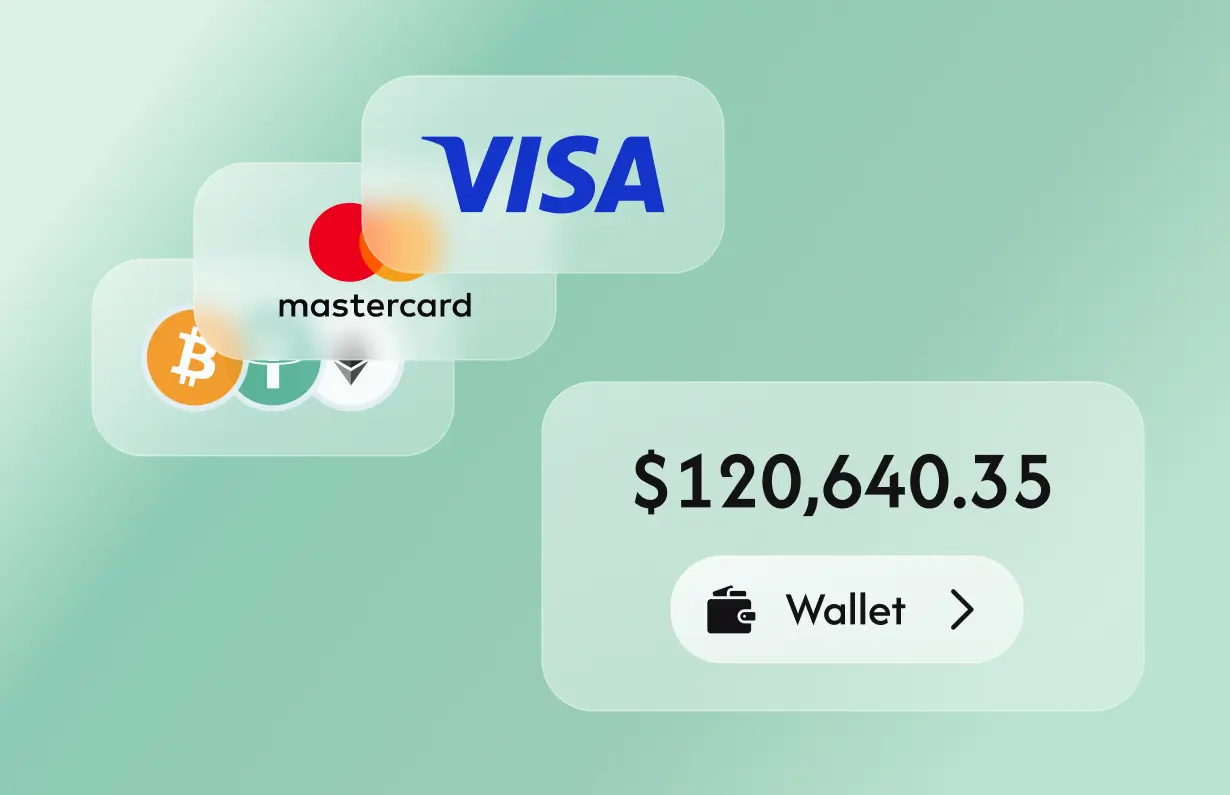
Wallet funding options with card and cryptocurrency payment methods

Set Up the Account When You're Ready

Complete the NumanCap application and required verification, then review the funding options shown for your account.
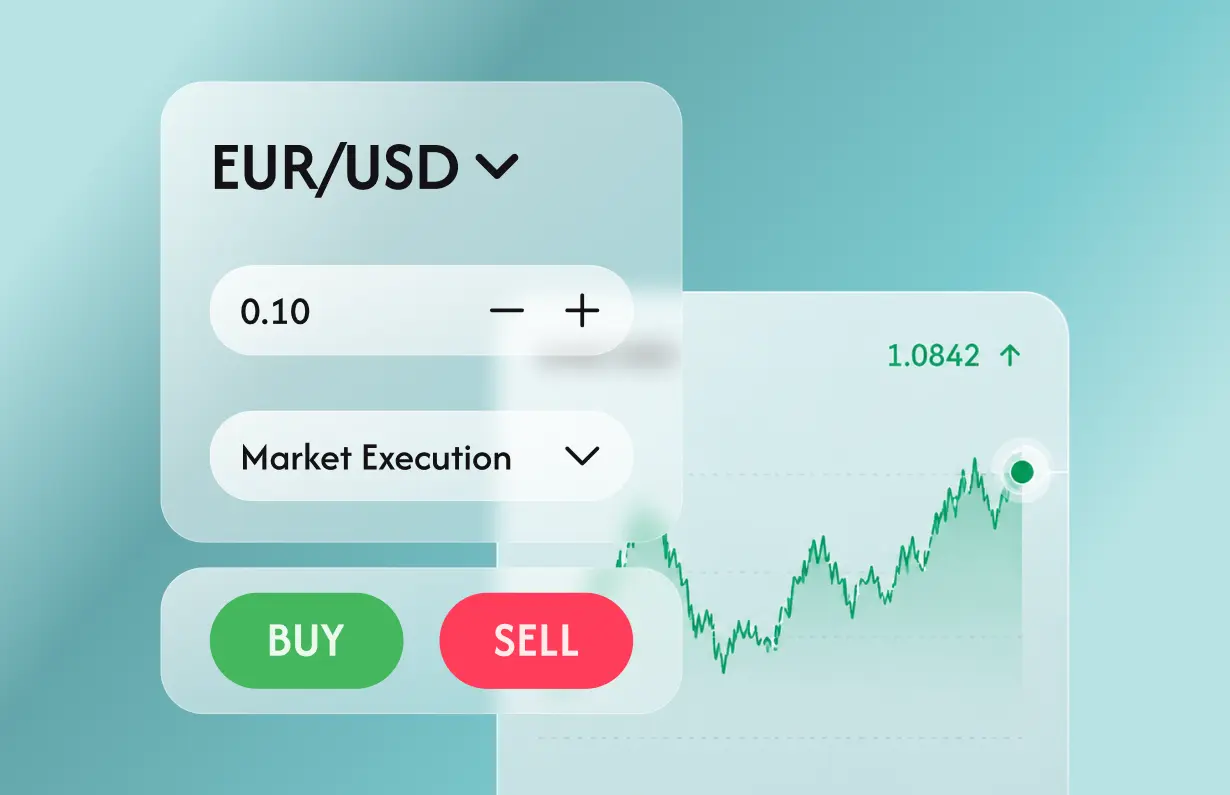
NumanCap EUR/USD trading interface with buy and sell controls

Place a Live Order on Your Timeline

Research the market, check the order details, and move to live trading once you understand the platform and order process.
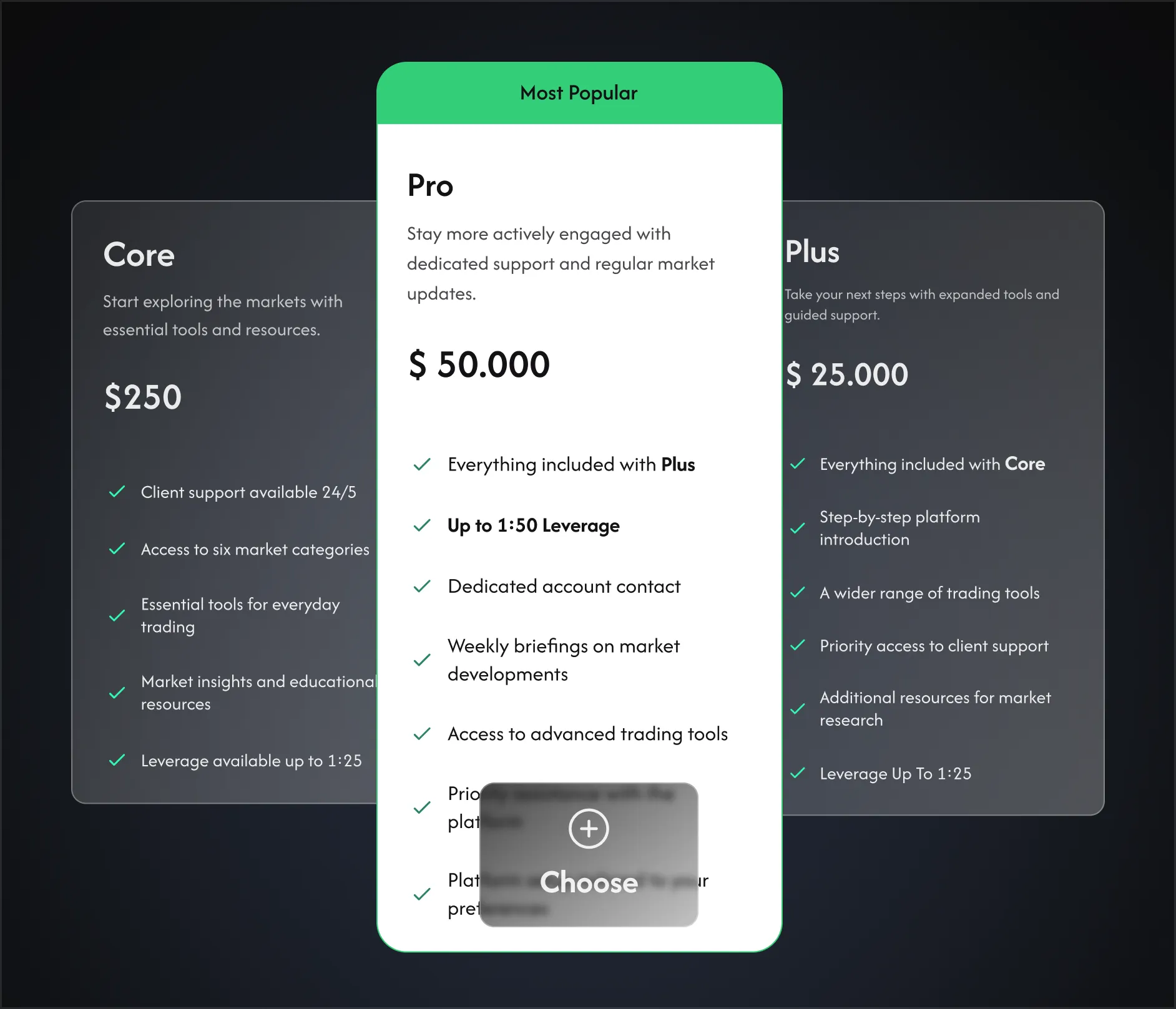
Choose the Service Level That Fits Now

Compare NumanCap account levels by service and features, then choose the setup that matches how you expect to use the platform today.

How to Start Trading FAQs

Clear answers on account setup, demo access, account levels, available markets, and using the platform across supported devices.
What do I need to open a NumanCap trading account?
You’ll need to complete the account application and the identity-verification steps shown during setup. The exact information and documents required can depend on the account and the details you provide, so follow the application prompts and provide any additional verification requested before the account is approved.

Yes. Start with the free demo account and simulated funds to explore charts, markets, and order controls before depositing. Live trading can behave differently, so spreads, execution, liquidity, and the experience of having your own money exposed to the market won’t be identical to the demo.

NumanCap account levels differ by service and platform features. Compare what changes between them, review any eligibility or funding requirements shown, and choose the setup that fits your current needs. You can revisit higher-service options later if those needs develop.

The platform covers stocks, crypto, forex, commodities, indices, and metals, with the exact instruments available shown inside your account. That gives you several parts of the market to research before deciding where you want to focus your attention or place a live order.

Yes. Mobile and desktop access are designed around one trading account, so your markets, positions, and account activity stay connected as you move between supported devices. The exact tools available on mobile depend on the setup supported for your account.

Take the Next Step When It Makes Sense

Explore the platform, use the demo, and compare account levels so you understand the experience before deciding when to fund.